]

Microsoft Cloud Solution Provider (CSP) Partner

]

Cloud Business Applications

]

Global Cloud Servers (30+ Locations)

]

Managed Hosting

]

Business Branding & SEO (AI)

What is a GPU? Understanding Graphics Processing Units for Beginners

What is a GPU? Understanding Graphics Processing Units for Beginners

Discover what is a GPU , how it works, and why it’s essential for parallel processing in gaming, AI, and high-performance computing.If you have ever played a video game, edited a photo, or watched a high-definition video, you have relied on a powerful component inside your computer called a GPU. But what exactly is a GPU, and why is it so important in modern computing? Let’s break it down in simple terms.

What Does “GPU” Stand For?

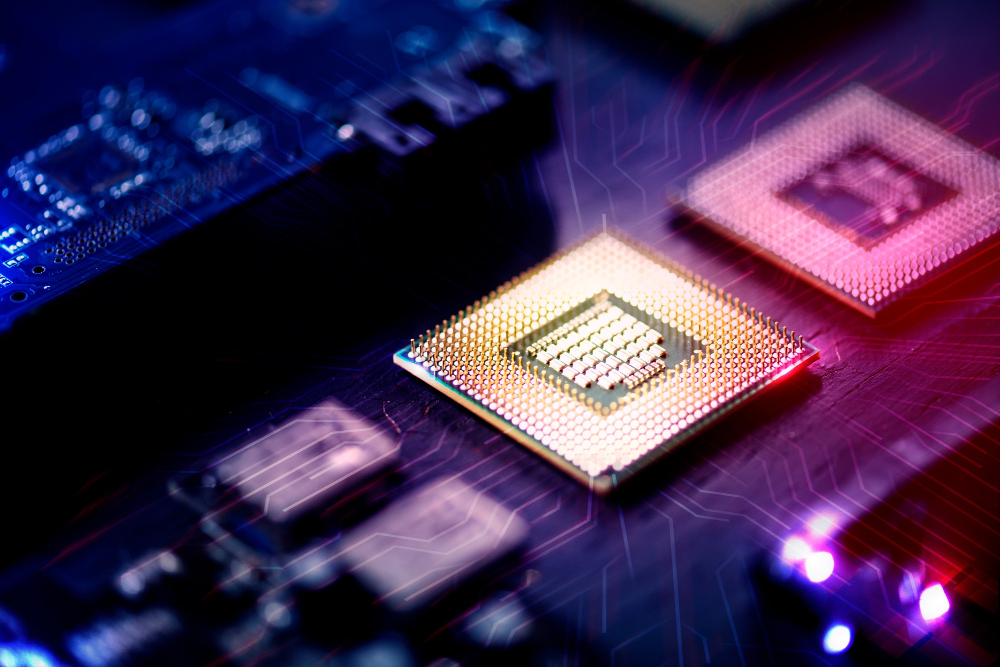
GPU stands for Graphics Processing Unit. It’s a specialized processor designed to handle and speed up graphics rendering. While your computer’s CPU (Central Processing Unit) acts like the brain, doing general-purpose tasks, the GPU is more like a graphics engine, optimized to process images, videos, and animations quickly and efficiently.

what is a gpu

What Does a GPU Do?

At its core, a GPU performs complex mathematical calculations mainly to generate visual images. Here’s what it’s typically responsible for:

  • Rendering graphics in games

  • Processing high-resolution video

  • Accelerating creative applications like photo/video editing, 3D rendering and animation

  • Powering artificial intelligence (AI) and machine learning workloads

  • Running cryptocurrency mining algorithms

GPU vs. CPU – What’s the Difference?

Feature CPU (Central Processing Unit) GPU (Graphics Processing Unit)
General use Runs operating system and applications Specialized for graphics & math tasks
Cores Fewer, more powerful cores Hundreds to thousands of smaller cores
Speed Better at single-threaded tasks Better at parallel processing

Think of the CPU as a skilled solo worker and the GPU as a team of workers doing thousands of simple tasks at once.

Integrated vs. Dedicated GPUs

There are two main types of GPUs:

1. Integrated GPU

  • Built into the CPU

  • Uses system memory

  • Good for light tasks like browsing, video playback, or simple games

2. Dedicated GPU (or Discrete GPU)

  • A separate hardware component with its own memory (VRAM)

  • Much more powerful

  • Ideal for gaming, design work, and high-performance computing

Popular dedicated GPU brands include NVIDIA, AMD, and Intel (newer models).

Who Needs a Powerful GPU?

You’ll benefit from a strong GPU if you:

  • Play modern 3D video games

  • Use software for graphic design, video editing, or 3D modeling

  • Run AI/ML programs or do scientific computing

  • Want smooth performance on 4K monitors

Even casual users benefit especially as more applications use GPU acceleration for smoother performance.

The Rise of GPUs Beyond Gaming

Originally designed for gaming and graphics, GPUs have become essential in:

  • Artificial Intelligence & Deep Learning

  • Cryptocurrency mining

  • Medical imaging & scientific simulations

  • Self-driving technology

This is thanks to their ability to handle massive parallel processing tasks quickly.

Final Thoughts

A GPU isn’t just about flashy graphics anymore it’s a critical part of modern computing. Whether you are watching a movie, designing a website, or training an AI model, the GPU is hard at work behind the scenes. Want to take your GPU needs to the cloud? Check out Diadyn Technology’s Cloud GPU solutions to supercharge your performance without the hardware cost.
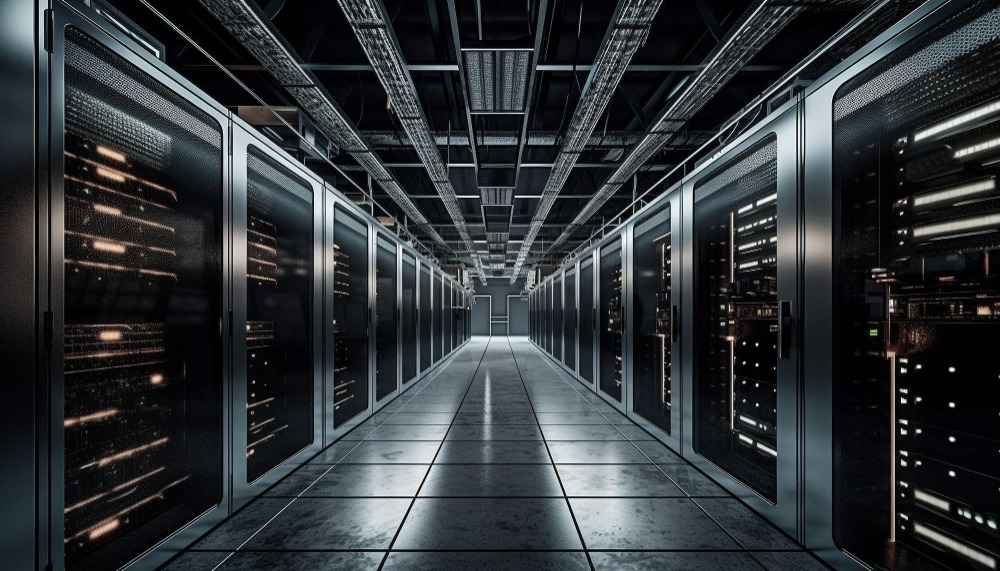

What Is a Bare Metal Server? Benefits and Use Cases Explained

What Is a Bare Metal Server? Benefits and Use Cases Explained

In the evolving world of IT infrastructure, businesses are constantly seeking the right balance between performance, security, and scalability. One option that stands out, especially for high-demand environments, is the bare metal server. But what exactly is a bare metal server, and why are organizations turning to it?

What Is a Bare Metal Server?

A bare metal server is a physical, single-tenant server dedicated entirely to one user or organization. Unlike virtualized servers that share computing resources with multiple tenants, bare metal servers offer direct access to the hardware. This means no hypervisors, no virtualization layers just raw, dedicated computing power.

what is a bare metal server

Key Benefits of Bare Metal Servers

  • Superior Performance

Since there are no virtualization layers, applications run directly on the server hardware. This results in low latency, high-speed processing, and greater consistency essential for performance-critical applications.

  •  Enhanced Security and Privacy

With no other tenants on the same machine, the risk of data leakage or security breaches is significantly reduced. Bare metal servers offer physical isolation, which is a crucial requirement for regulated industries like finance and healthcare.

  •  Customization and Control

Users have full control over the server, including operating system selection, hardware configurations, and software stack. This level of customization is ideal for specialized applications.

  • Predictable Performance

Because resources are not shared, performance remains consistent regardless of workloads on neighboring systems. This makes capacity planning and scaling much easier.

  • Scalability

Although bare metal servers are not as instantly scalable as cloud services, they can be integrated into hybrid models where high-performance workloads run on bare metal and less critical processes are handled in the cloud.

Common Use Cases for Bare Metal Servers

  • High-Performance Computing (HPC)

Industries like aerospace, pharmaceuticals, and data science rely on HPC to perform complex calculations. Bare metal servers provide the computing muscle needed for simulations, modeling, and analytics.

  • Financial Services

Low latency and high throughput are essential for financial transactions, real-time analytics, and fraud detection systems. Bare metal infrastructure ensures these operations run efficiently and securely.

  • Web Hosting & E-commerce

Websites with heavy traffic and e-commerce platforms benefit from the speed and reliability of bare metal, ensuring a smooth customer experience even during peak usage.

  • AI and Machine Learning

Training ML models requires immense computational power and memory. Bare metal servers can handle these tasks with higher efficiency and cost-effectiveness compared to some cloud-based GPU instances.

  • Gaming Servers

For multiplayer online games, latency and uptime are critical. Bare metal servers provide the performance and stability needed to deliver a seamless gaming experience.

Final Thoughts

Bare metal servers are an excellent choice for businesses that require uncompromised performance, security, and control. Whether you are running financial simulations, hosting a popular e-commerce site, or training complex AI models, bare metal infrastructure provides the dedicated resources to help you succeed.

As organizations continue to demand more from their infrastructure, bare metal servers remain a powerful solution for mission-critical workloads that can’t afford compromise.

If you are evaluating infrastructure options for your business, take a closer look at bare metal server solutions from Diadyn Technology. With customizable configurations and enterprise-grade reliability, Diadyn offers a powerful foundation for your high-performance applications.

Cloud vs. On-Premise POS: What’s Best for Your Business in 2025?

Cloud vs. On-Premise POS: What’s Best for Your Business in 2025?

The Point of Sale (POS) system is the heartbeat of any retail or hospitality business. As technology evolves, one of the most critical decisions business owners face is choosing between a cloud-based POS system and a traditional on-premise setup. In 2025, with digital transformation accelerating across industries, this choice matters more than ever. So, which is right for your business?

What Is a Cloud-Based POS System?

A cloud POS system stores all your sales, inventory, and customer data online, allowing you to access and manage your business from anywhere with an internet connection. Think of it as your POS living in the cloud instead of being tied to a physical server.

cloud

Key Benefits:

  • Remote Access: Manage your business on-the-go.
  • Real-Time Updates: Instant syncing of sales, inventory, and reports.
  • Scalability: Easily add new stores, registers, or users.
  • Lower Upfront Costs: No need for heavy server hardware or IT support.
  • Automatic Backups & Security Updates: Always stay protected and up-to-date.

Ideal For:

  • Multi-location businesses
  • Small to mid-sized retailers
  • Restaurants with online ordering/delivery
  • Mobile-first or tech-savvy entrepreneurs

What Is an On-Premise POS System?

An on-premise POS system is installed on local servers and hardware within your business location. Data is stored and processed on-site, typically requiring manual updates and maintenance.

Key Benefits:

  • Complete Control: Full ownership of your data and hardware.
  • No Internet Dependency: Functions without requiring constant connectivity.
  • Customization: Easier to customize for highly specific operational needs.

Ideal For:

  • Businesses with unstable or limited internet access
  • Large enterprises with internal IT teams
  • Operations requiring tight system customization or compliance

Cloud vs. On-Premise: Key Differences at a Glance

Feature Cloud POS On-Premise POS
Accessibility Anywhere, anytime Only on-location
Setup Cost Low upfront High upfront (hardware/software)
Maintenance Handled by provider Requires in-house or outsourced IT
Updates Automatic Manual
Scalability Highly scalable Limited and more complex
Offline Functionality Limited/offline mode Fully functional offline

What Should You Choose in 2025?

Ask yourself the following questions:

  • Do I need to manage multiple locations remotely?
  • Is my internet reliable?
  • Can I afford to hire IT staff for support?
  • Do I plan to scale quickly?

If you value flexibility, remote access, and scalability, a cloud POS is likely the better fit. It’s ideal for businesses embracing mobility, eCommerce, and real-time data.

If you need full control over your data and infrastructure, and operate in environments where connectivity is a challenge, on-premise may be your safer choice.

Final Thoughts

In 2025, the trend is leaning heavily toward cloud-based POS systems, thanks to their agility and lower barrier to entry. However, there’s still a place for on-premise systems in specialized or high-compliance industries.

The right POS system should align with your current needs, growth plans, and tech readiness. Choose wisely your point of sale is more than just a cash register; it’s your business command center.

Ready to elevate your retail operations? Contact Diadyn Technology or discover Diadyn POS  for more details.

What Is Project Management Software? A Beginner’s Guide

What Is Project Management Software? A Beginner’s Guide

At its heart, project management software is a digital platform that helps you plan, organize, and oversee a project from beginning to end. It’s like a command center where you can assign tasks, set deadlines, track progress, and keep everyone on the same page all in one place. Unlike a physical planner or a messy spreadsheet, it’s dynamic, collaborative, and often packed with features to make your life easier.

This isn’t just for corporate bigwigs. Freelancers use it to juggle client work, small businesses rely on it to manage inventory or marketing, and even students turn to it for group assignments. Whether your project involves one person or fifty, this software scales to fit your needs.

What is Project Management Software?

Project management software is a digital tool that helps individuals and teams plan, organize, manage, and track projects from start to finish. It provides a centralized platform for setting goals, assigning tasks, scheduling deadlines, collaborating with team members, and monitoring progress. Whether for small teams or large enterprises, these tools help streamline workflows, improve accountability, and boost overall productivity.

What Is Project Management Software

How Does Project Management Software Work?

Think of project management software as a three-legged stool: it supports planning, tracking, and collaboration. Let’s break down each piece with some detail.

1. Planning: Building the Blueprint

Every project starts with a vision say, delivering brake parts for a client like Automobile spare parts company. The software lets you turn that vision into a concrete plan:

  • Task Breakdown: Split the project into bite-sized pieces
  • Deadlines and Dependencies: Set due dates and link tasks that rely on each other
  • Visualization Tools: Use Gantt charts or Kanban boards to see the big picture.

This planning stage ensures nothing falls through the cracks before you even start.

2. Tracking: Keeping Tabs on Progress

Once the project kicks off, the software becomes your progress tracker:

  • Task Status: See at a glance who’s working on what and whether it’s on schedule, overdue, or complete.
  • Notifications: Get pinged when a deadline’s approaching .
  • Milestone Monitoring: Mark key achievements.

For instance, if a team member’s stuck sourcing a part, the software highlights the delay so you can step in early.

3. Collaboration: Bringing the Team Together

Projects often involve multiple people, and this is where collaboration shines:

  • Centralized Communication: Ditch email chains comment on tasks or chat within the tool
  • File Sharing: Upload docs, images, or PDFs (like a supplier invoice) so everyone has access.
  • Real-Time Updates: If someone finishes a task, the whole team sees it instantly, even across time zones.

Imagine coordinating a delivery: one person uploads the shipping label, another confirms receipt, and you oversee it all without leaving the platform.

Why Should You Care About Project Management Software?

Still on the fence? Here’s why it’s a game-changer, with some real-world perks:

  • Clarity: No more “Wait, who’s handling this?” everything’s laid out clearly.
  • Efficiency: Automate reminders or task assignments instead of micromanaging.
  • Accountability: Team members see their responsibilities, reducing finger-pointing.
  • Flexibility: Need to push a deadline or reassign a task? Adjust it in seconds.
  • Scalability: Works for a solo gig (e.g., “Write a blog”) or a massive rollout

Key Features to Explore

Not all tools are identical, but here’s a rundown of features beginners should look for, with examples of how they help:

  • Task Management: Create, assign, and check off to-dos.
  • Calendars and Timelines: Visualize deadlines.
  • File Storage: Attach files to tasks.
  • Time Tracking: Log hours spent.
  • Integrations: Connect with tools like Diadyn HRM, Diadyn CRM

These features vary by tool, so pick one that matches your project’s complexity.

Who Can Benefit from Project Management Software?

It’s not just for suits in boardrooms. Here’s who’s using it and how:

  • Freelancers: A graphic designer tracks revisions, deadlines, and client feedback for multiple gigs.
  • Small Businesses: A shop like Automobile spare parts store coordinates stock orders, deliveries, and promotions.
  • Students: A group plans a research paper, assigning sections and due dates.
  • Large Teams: A construction crew schedules equipment, labor, and inspections for a build.

No matter your role, if you have got goals and steps to hit them, this software fits.

Final Thoughts

Project management software isn’t about overcomplicating things it’s about turning chaos into calm. It’s your roadmap, your cheerleader, and your safety net, all rolled into one. For beginners, it’s less about mastering every feature and more about finding a system that clicks for you. So pick a tool, start small, and watch your projects run smoother than ever.

Check out Diadyn Project  a solution from Diadyn Technology that blends project management with broader business tools to keep you on track.
How CRM Works: A Step-by-Step Guide to Customer Relationship Management

How CRM Works: A Step-by-Step Guide to Customer Relationship Management

In today’s fast-paced, customer-centric world, businesses need to stay connected with their clients like never before. Enter Customer Relationship Management (CRM) a powerful tool that helps companies manage interactions, streamline processes, and build stronger relationships with their customers. But how exactly does CRM work? In this step-by-step guide, we will break down the mechanics of CRM and show you why it’s a game-changer for businesses of all sizes.

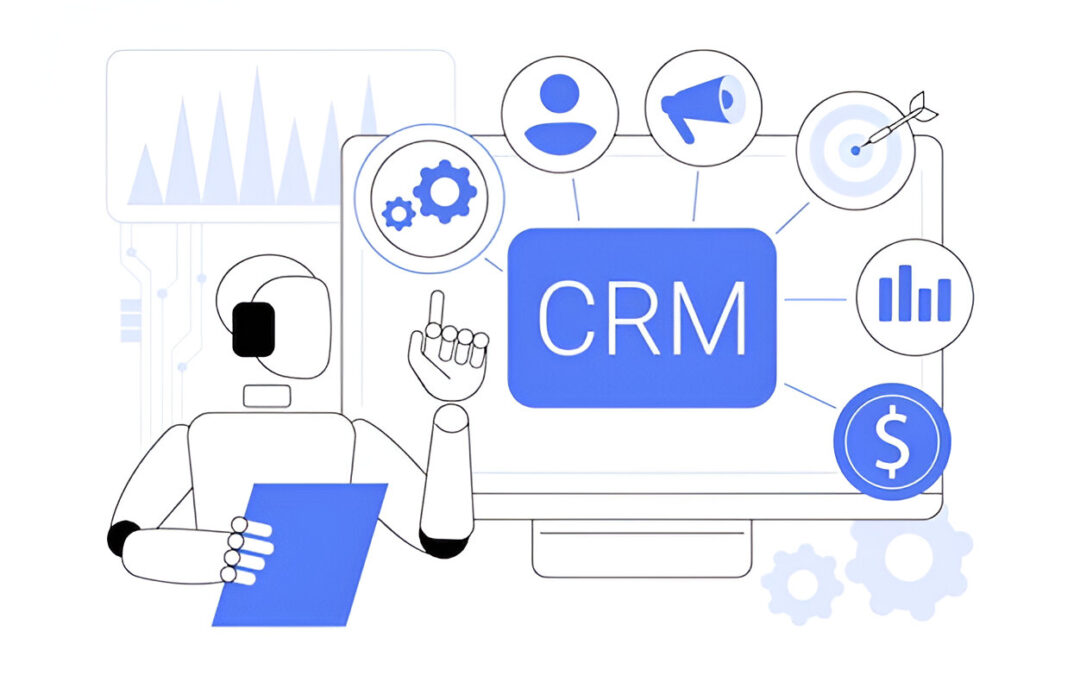
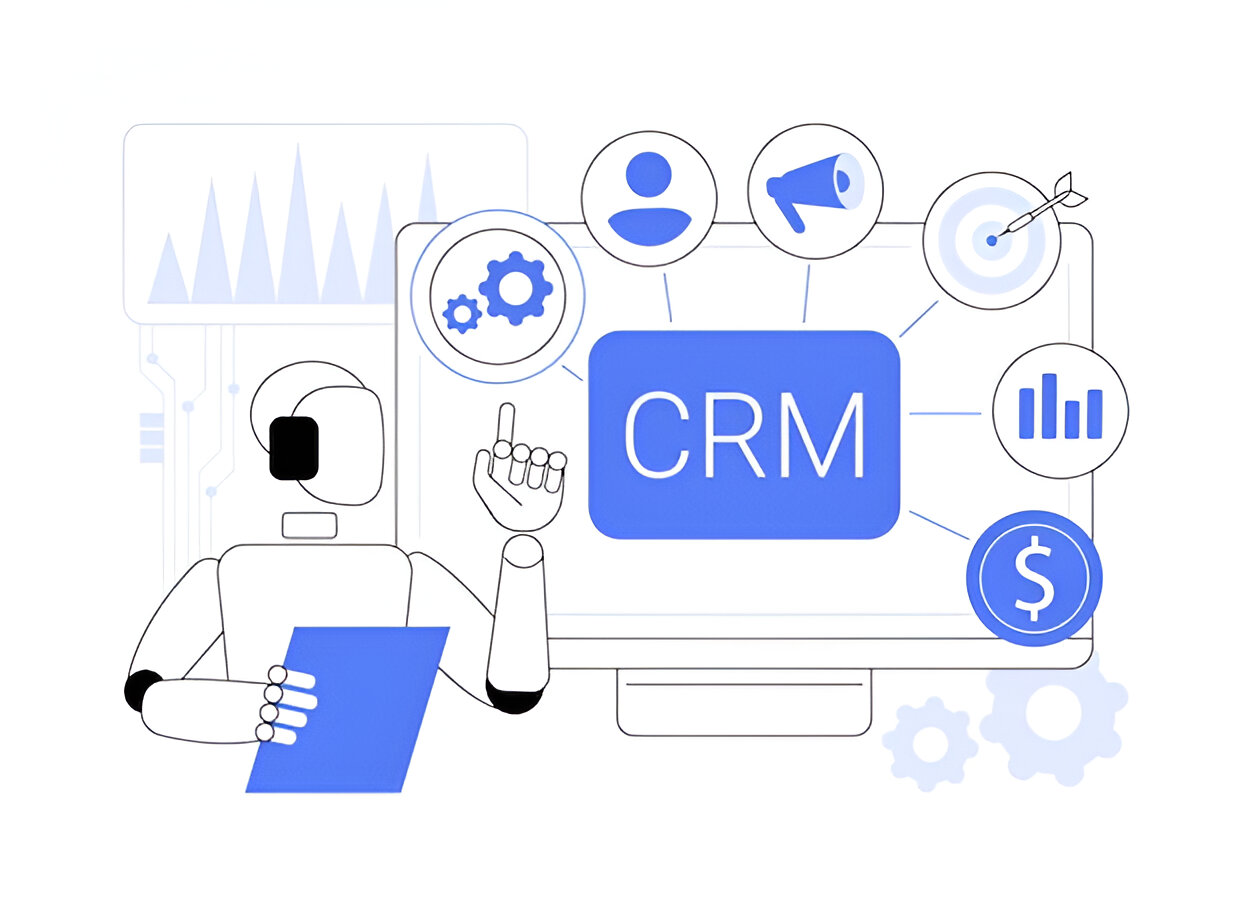
How CRM Works

What Is CRM, Anyway?

Before diving into the how, let’s clarify the what. A CRM system is a software solution designed to organize and manage customer data, track interactions, and automate key business processes. Think of it as a digital command center that keeps your customer relationships on track whether you’re a small startup or a global enterprise.

Now, let’s walk through the step-by-step process of how CRM works.

Step 1: Collecting Customer Data

The foundation of any CRM system is data. The process begins with gathering information about your customers. This can include:

  • Basic Details: Names, email addresses, phone numbers, and job titles.
  • Interaction History: Records of calls, emails, meetings, or chats.
  • Purchase Behavior: What they have bought, when, and how often.
  • Preferences: Likes, dislikes, and special requests.

Modern CRMs pull this data from multiple sources your website, social media, email campaigns, or even manual entries by your team. The goal? To create a 360-degree view of each customer.

Step 2: Organizing and Storing Information

Once the data is collected, the CRM organizes it into a centralized database. No more scattered spreadsheets or sticky notes! Every piece of information is stored securely and tagged to the right customer profile.

This organization allows your team to:

  • Quickly access customer details during a call or meeting.
  • Segment customers based on criteria like location, purchase history, or engagement level.
  • Ensure everyone in the company is working from the same, up-to-date info.

Cloud-based CRMs take this a step further by making data accessible anytime, anywhere, as long as you’ve got an internet connection.

Step 3: Tracking Interactions

A CRM doesn’t just store static data it tracks every interaction a customer has with your business. Whether it’s a support ticket, a sales inquiry, or a follow-up email, the system logs it in real time.

This tracking provides a timeline of the customer journey, helping you:

  • Understand where they are in the sales funnel.
  • Identify patterns in their behavior.
  • Spot opportunities to engage or upsell.

For example, if a customer emails about a product issue, the CRM records it, assigns it to the right team member, and ensures no one drops the ball.

Step 4: Automating Tasks

One of the biggest perks of CRM is automation. Repetitive tasks like sending welcome emails, scheduling follow-ups, or generating reports can be handled by the system, freeing up your team to focus on what matters building relationships.

Examples of automation in action:

  • A new lead fills out a form on your website, and the CRM automatically assigns them to a salesperson.
  • A customer’s subscription is about to expire, triggering a renewal reminder email.
  • Sales reports are compiled and sent to your inbox every Monday morning.

Automation saves time and reduces human error, making your operations smoother and more efficient.

Step 5: Analyzing and Improving

CRM systems come with built-in analytics tools that turn raw data into actionable insights. By studying customer trends, sales performance, and campaign results, you can:

  • Identify your top-performing products or services.
  • Pinpoint bottlenecks in your sales process.
  • Predict future customer needs based on past behavior.

For instance, if your CRM shows that 70% of customers drop off after a free trial, you might tweak your onboarding process to boost retention. It’s all about using data to make smarter decisions.

Step 6: Enhancing Customer Relationships

At its core, CRM is about people, not just processes. With all this data and automation at your fingertips, you can personalize your approach like never before.

Imagine:

  • Wishing a customer a happy birthday with a tailored discount.
  • Recommending products based on their purchase history.
  • Resolving issues faster because you already know their background.

These small touches build trust and loyalty, turning one-time buyers into lifelong advocates.

Why CRM Matters

So, why invest in a CRM? The benefits are clear:

  • Efficiency: Centralize data and automate tasks to save time.
  • Growth: Spot sales opportunities and nurture leads effectively.
  • Customer Satisfaction: Deliver personalized experiences that keep people coming back.

Whether you are managing 10 customers or 10,000, a CRM scales with your business, keeping you organized and in control.

Getting Started with CRM

Ready to see CRM in action? Here’s how to begin:

  1. Define Your Goals: Are you focused on sales, support, or marketing?
  2. Choose a System: Popular options include Diadyn CRM, HubSpot, and Zoho pick one that fits your budget and needs.
  3. Train Your Team: Ensure everyone knows how to use it effectively.
  4. Start Small: Import existing data and test the waters before going all-in.

Final Thoughts

Customer Relationship Management isn’t just software it’s a strategy for putting customers at the heart of your business. By collecting data, tracking interactions, automating tasks, and analyzing results, a CRM empowers you to work smarter, not harder. The result? Happier customers, a more efficient team, and a thriving business.

Want to explore a CRM that’s packed with features to streamline your workflow? Check out Diadyn CRM for a solution that’s designed to grow with you.